Monitors | May 21, 2026 | 36 views
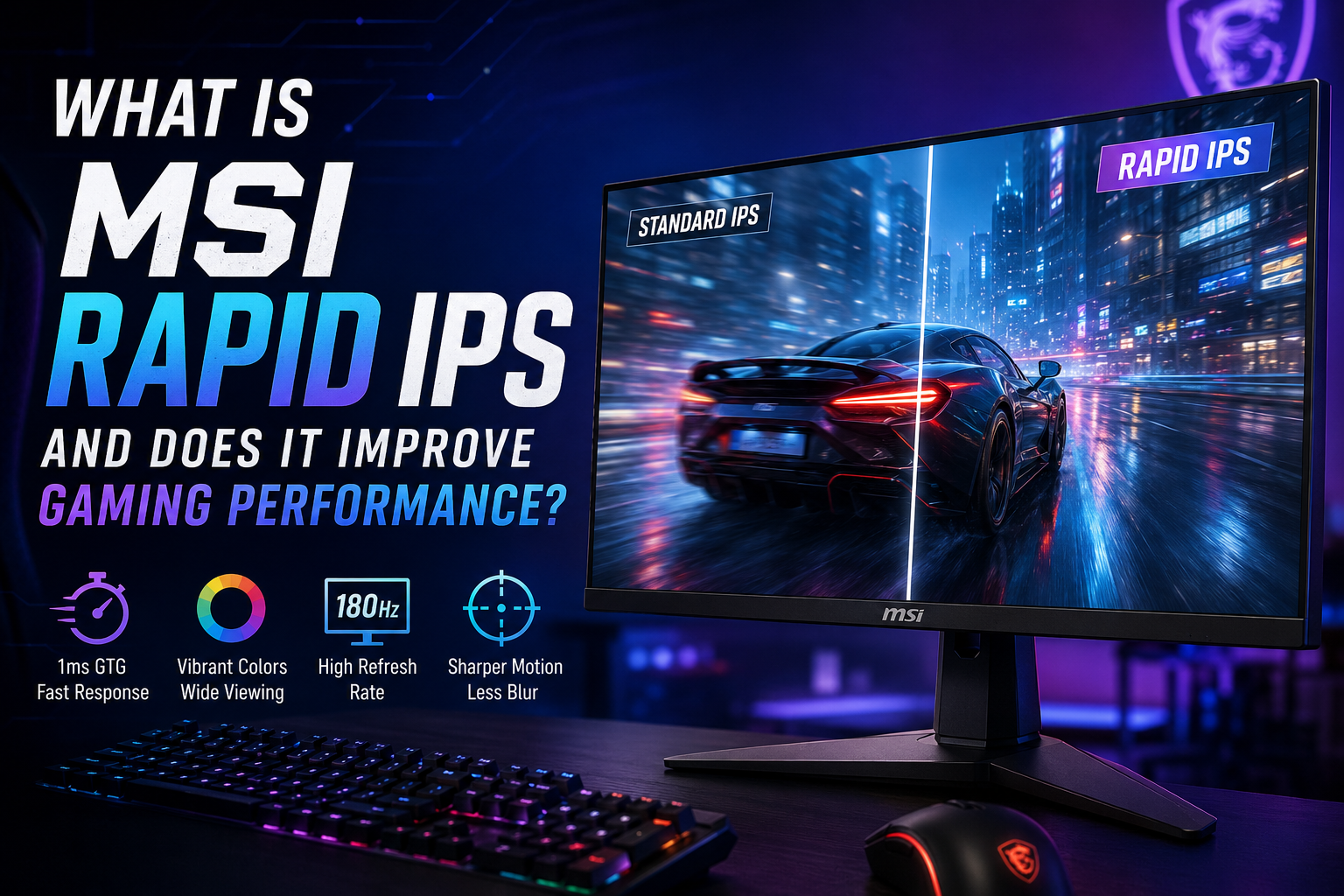
Modern gaming monitors are no longer just about resolution and screen size. Gamers today also care about motion clarity, response time, refresh rate, and colour quality. That is where MSI Rapid IPS technology comes in. It is MSI’s upgraded version of the traditional IPS panel, built specifically to deliver faster performance for gaming while still keeping the strong colour accuracy and wide viewing angles IPS displays are known for.
Modern gaming monitors are no longer just about resolution and screen size. Gamers today also care about motion clarity, response time, refresh rate, and colour quality. That is where MSI Rapid IPS technology comes in. It is MSI’s upgraded version of the traditional IPS panel, built specifically to deliver faster performance for gaming while still keeping the strong colour accuracy and wide viewing angles IPS displays are known for.
Many gamers wonder whether Rapid IPS actually improves gaming performance or if it is just another marketing term. The short answer is yes — but not in the way most people think. Rapid IPS will not increase your FPS or make your graphics card more powerful. Instead, it improves how smoothly and clearly games appear on your screen, especially during fast movement.
MSI Rapid IPS is designed to solve one of the biggest weaknesses older IPS panels had: slower response times. Traditional IPS monitors were always praised for excellent colours and viewing angles, but competitive gamers often avoided them because motion could appear slightly blurry during fast gameplay.
Rapid IPS technology improves this by allowing pixels to change colour much faster. MSI achieves this by reducing the thickness of the liquid crystal layer inside the panel. Faster pixel transitions mean less blur, less ghosting, and cleaner movement on screen.
In simple terms, Rapid IPS combines the visual quality of IPS displays with the speed gamers usually expect from esports-focused monitors.
Gaming performance is not only about how many frames your PC produces. It is also about how clearly those frames are displayed. Even with high FPS, a slow monitor can make movement appear smeared or blurry.
Rapid IPS improves several important aspects of the gaming experience.
One of the biggest advantages of Rapid IPS is improved motion handling. During fast movement — such as flick shots in shooters or high-speed racing scenes — the monitor can keep objects looking sharper and easier to track.
This becomes especially noticeable in games like:
In these types of games, cleaner motion can help gameplay feel smoother and more responsive.
Response time refers to how quickly a pixel can switch from one colour to another. Slower response times can create ghosting trails behind moving objects.
Rapid IPS monitors are often paired with extremely low response times, such as 1ms GtG (Gray-to-Gray), helping reduce visible blur and trailing during gameplay.
This does not magically make players better, but it can make fast gameplay feel more precise and visually cleaner.
Rapid IPS panels work especially well with high refresh rates like 144Hz, 180Hz, and 240Hz. A fast refresh rate alone is not enough if the panel itself cannot keep up with quick pixel transitions.
By combining high refresh rates with quicker response behaviour, Rapid IPS helps gameplay feel smoother and more fluid overall.
The biggest difference between standard IPS and Rapid IPS is speed.
Traditional IPS panels are excellent for content creation, movies, and general use because they provide accurate colours and strong viewing angles. However, they were not always the best choice for competitive gaming.
Rapid IPS improves this weakness by focusing on lower response times and faster pixel behaviour.
VA panels are known for their strong contrast levels and deeper blacks. This makes them attractive for cinematic games and watching movies.
However, VA monitors can sometimes struggle with dark-level smearing during fast movement. In competitive games, this can make motion look less clear.
Rapid IPS generally offers:
VA panels still have advantages in contrast and darker scenes, but Rapid IPS is usually the better option for competitive gaming.
QD-OLED is considered the premium gaming display technology right now. It delivers:
MSI’s QD-OLED monitors can achieve response times as low as 0.03ms, making them significantly faster than Rapid IPS.
However, QD-OLED displays are also much more expensive.
Rapid IPS remains the better value option for many gamers because it still provides:
Rapid IPS has become popular because it offers a balanced gaming experience.
Older TN panels focused heavily on speed but often looked poor in terms of colour and viewing angles. Meanwhile, OLED technology delivers incredible visuals but can be expensive for many buyers.
Rapid IPS sits comfortably in the middle by offering:
It is especially useful for gamers who use the same monitor for:
No. This is one of the most common misconceptions.
Rapid IPS does not:
Your graphics card and processor are still responsible for how many frames your PC can produce.
What Rapid IPS actually improves is:
So while your FPS number may stay the same, the overall gaming experience can still feel much smoother and cleaner.
Rapid IPS works particularly well for:
Fast shooters benefit heavily from cleaner motion and reduced blur. Enemy movement becomes easier to track, especially during quick camera flicks.
Rapid IPS is ideal for modern 1440p gaming setups where 144Hz or 180Hz refresh rates are common.
Because it keeps the strengths of IPS technology, Rapid IPS also works well for work and entertainment outside gaming.
To get the best experience from a Rapid IPS display:
The fastest setting is not always the best. A balanced setup usually provides cleaner motion with fewer visual artifacts.